Repair or Replace: When Is a Phone Worth Fixing?
In short
Repair it if the phone still gets software updates, you're otherwise happy with it, and the repair costs well under what a comparable phone would. A single screen, battery or charging port repair usually passes that test. Replace it if it no longer gets updates, needs several major repairs at once, or the repair costs close to a new phone.
In this guide (6 sections)
| Situation | Usually |
|---|---|
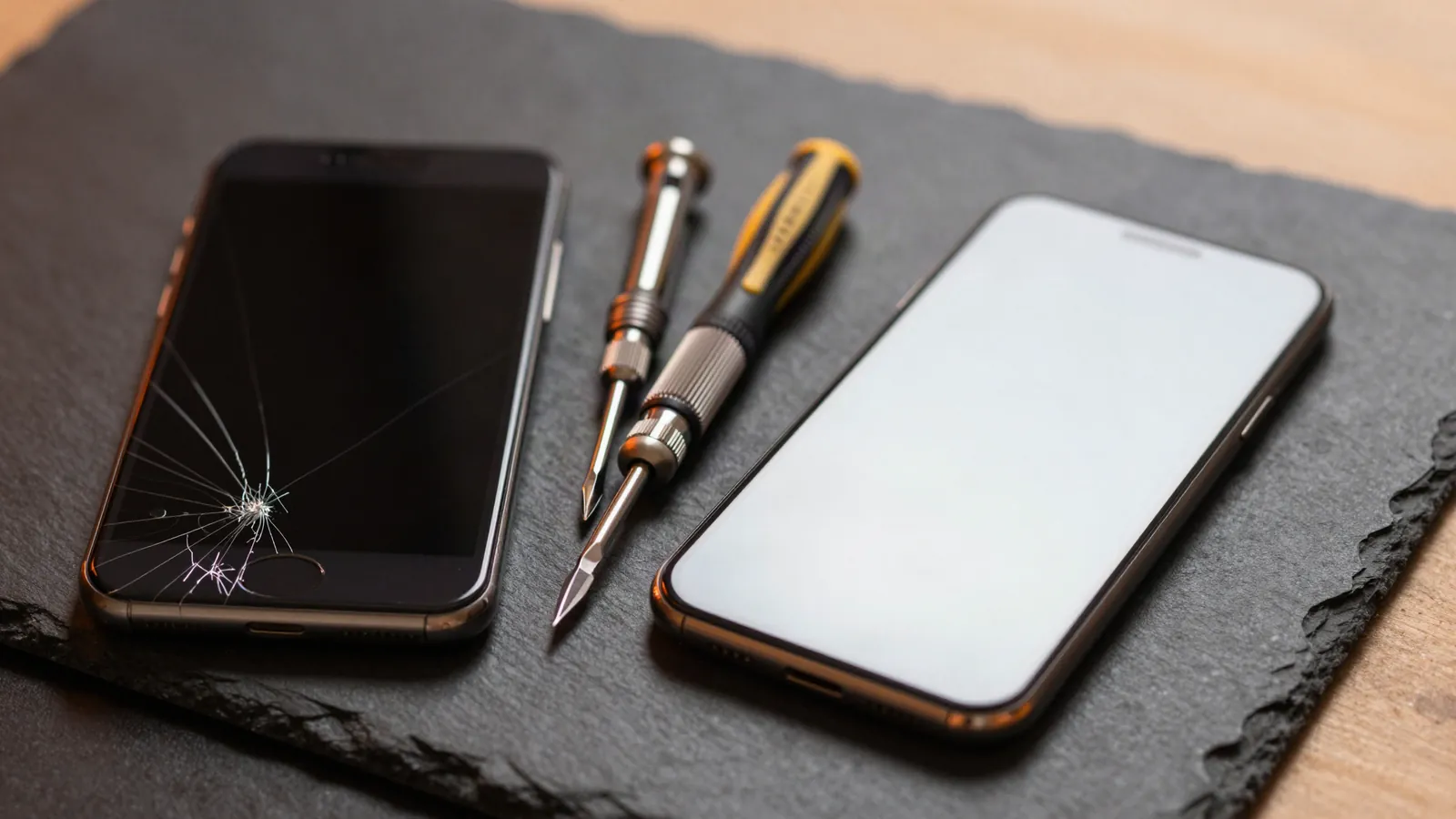
| Cracked screen, phone otherwise fine | Repair |
| Battery below 80% health | Repair (battery replacement) |
| Charging port loose or not charging | Repair |
| Screen and back glass and battery all at once | Compare with replacing |
| No longer gets software updates | Replace |
| Water damage with several faults | Get a diagnosis first |
When is it worth repairing a phone?
When the repair fixes the one thing that's wrong and costs well under a comparable phone. Screens, batteries and charging ports are the classic examples.
See iPhone screen repair, battery replacement and charging port repair; most take about 1–2 hours at our kiosk.
When should I replace my phone instead?
When it no longer gets security updates, when several expensive parts fail together, or when it's simply too slow for what you need.
We'll tell you honestly if a repair isn't worth it. If you're upgrading, we stock cases and glass for the latest iPhones, including the iPhone 17 Pro Max and iPhone 18 Pro Max.
Is it worth replacing a battery on an older iPhone?
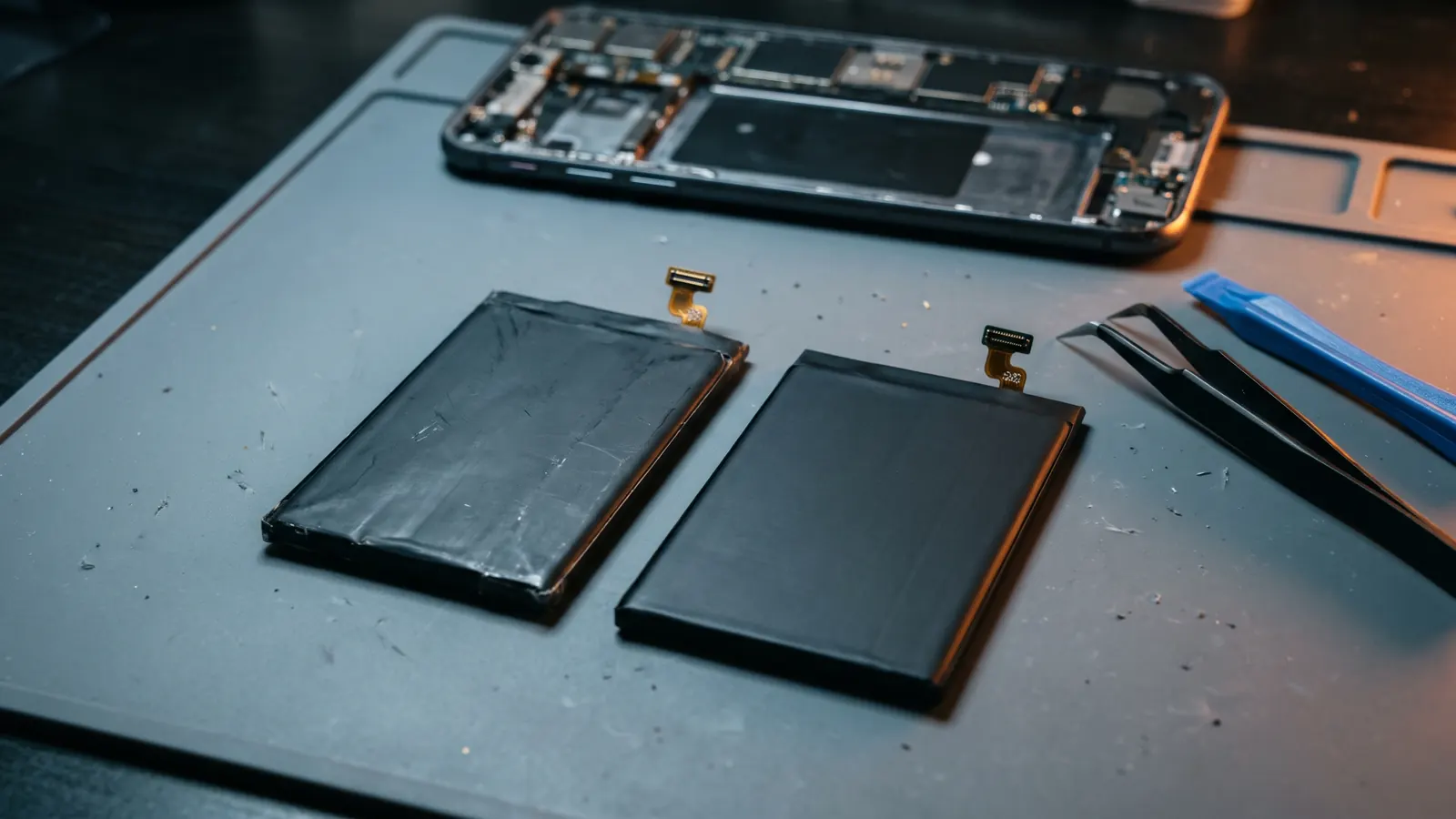
Often, yes: a new battery is one of the cheapest ways to make an older phone feel new. Read is it worth replacing your iPhone battery?
Which screen should I choose for a repair?
It depends on budget and how long you'll keep the phone. Our guide to LCD, OLED or genuine screens explains the trade-offs.
How do I avoid paying for the same repair again?
Protect it. A screen protector and a case with raised edges stop most screen and camera damage. For the latest models see do you need a screen protector on an iPhone 17? and which iPhone 17 Pro Max case to buy.
Frequently asked questions
Q: Does a third-party repair void my phone?
Your phone keeps working normally. Apple and Samsung warranty terms vary, so check yours; our repairs carry their own 6-month warranty.
Q: Will I lose my data in a repair?
Screen, battery and port repairs don't erase data, but always back up first.
Q: How do I get a price?
Call 0405 326 205 or ask for a quote with your model and the fault. We confirm the price before any work.
Q: Can you check if my phone is worth fixing?
Yes. Bring it to Warringal Shopping Centre and we'll check it and give you honest options.
Protect it after the repair


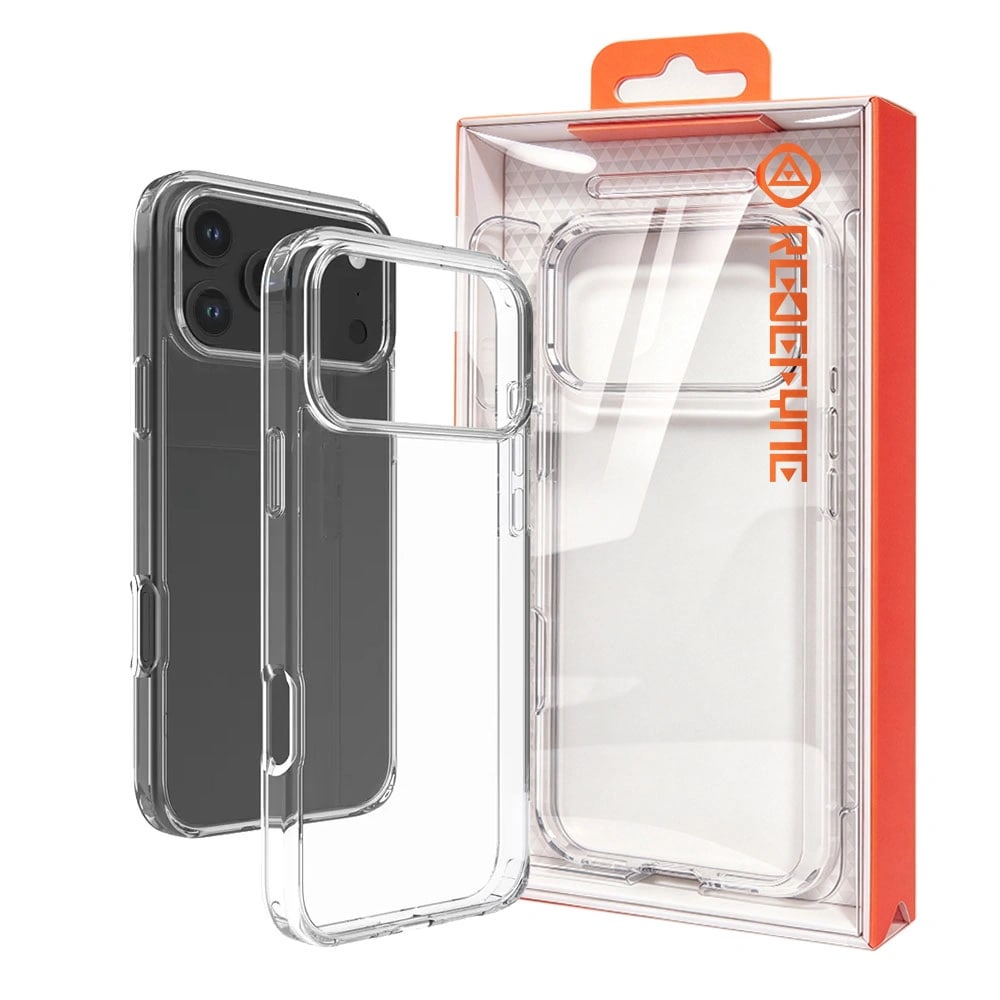
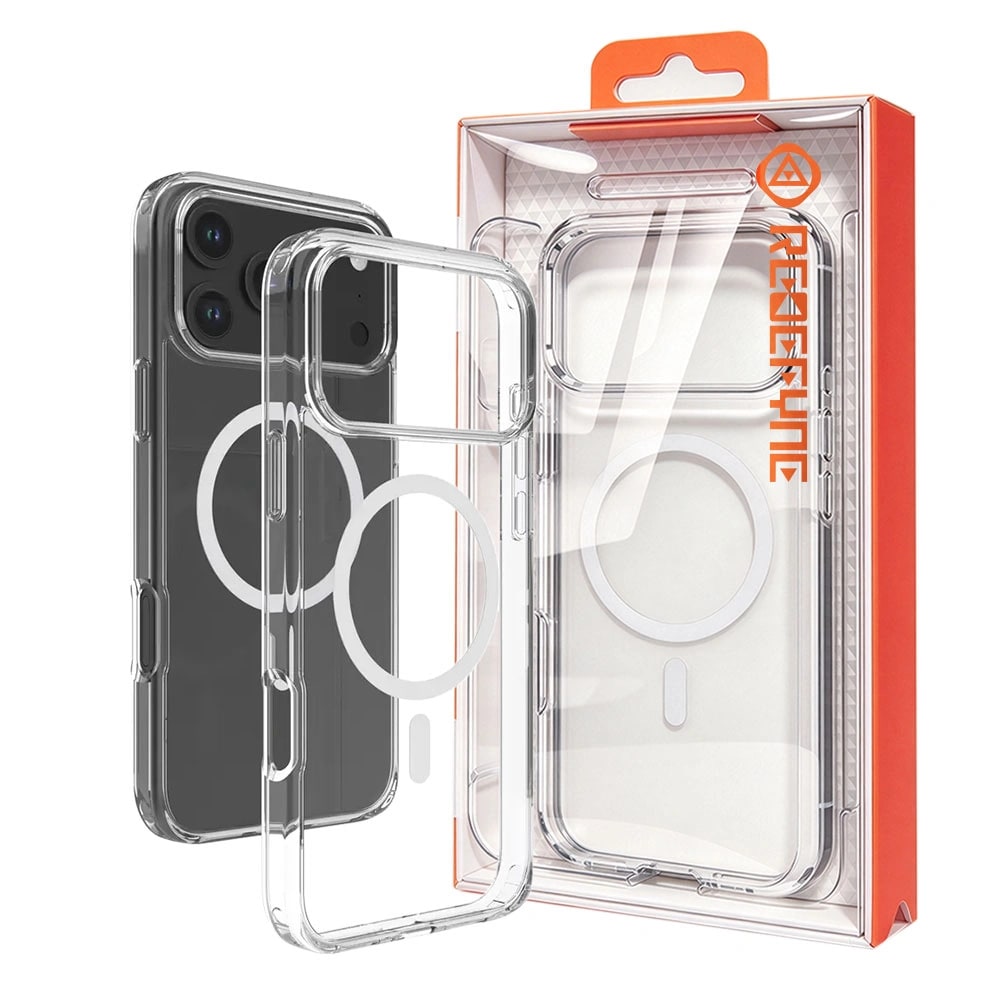


Mercury Rich Diary Case With Magnetic Ring
+218 Pro Max · 17 Pro Max