Phone Won't Charge? Is It the Port, the Cable or the Battery?
In short
Test the cheapest part first. Try a different cable and wall plug; if that works, the cable or plug was the problem. If not, look in the charging port: pocket lint packed inside is the most common cause and is easy to clean out. If it still won't charge, or the battery drains fast and shuts down early, the port or battery needs repairing.
In this guide (5 sections)
| Symptom | Most likely cause | Fix |
|---|---|---|
| Works with a different cable | Worn cable | Replace the cable |
| Cable feels loose or only works at an angle | Lint in the port, or a worn port | Port clean, or port repair |
| Charges slowly | Low-power plug or old USB-A cube | 20W or higher USB-C PD plug |
| Charges, but dies fast or shuts down at 20–30% | Worn battery | Battery replacement |
| Liquid or moisture warning | Wet port | Unplug and let it dry fully |
How do I know if it's the cable or the charger?
Swap them one at a time. Try a cable you know works, then a different wall plug. If the phone charges, you've found the faulty part.
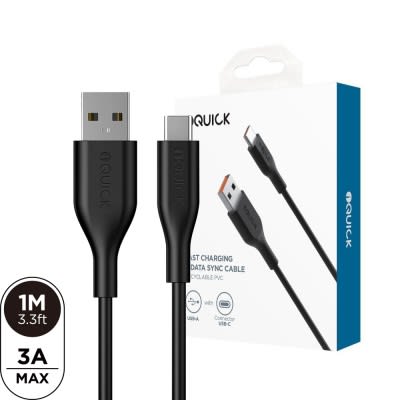
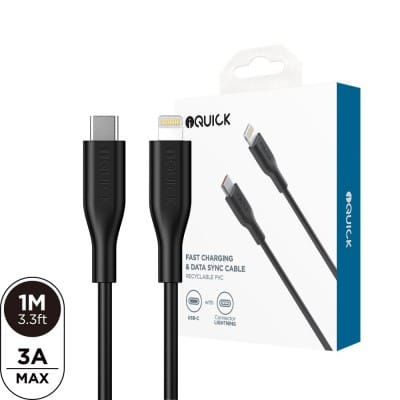
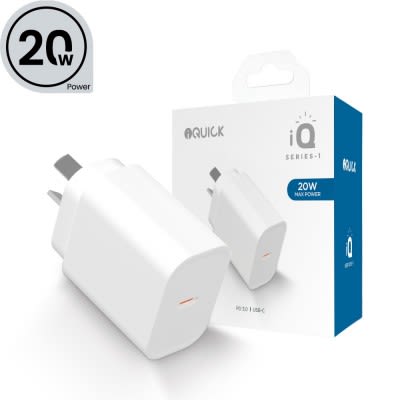
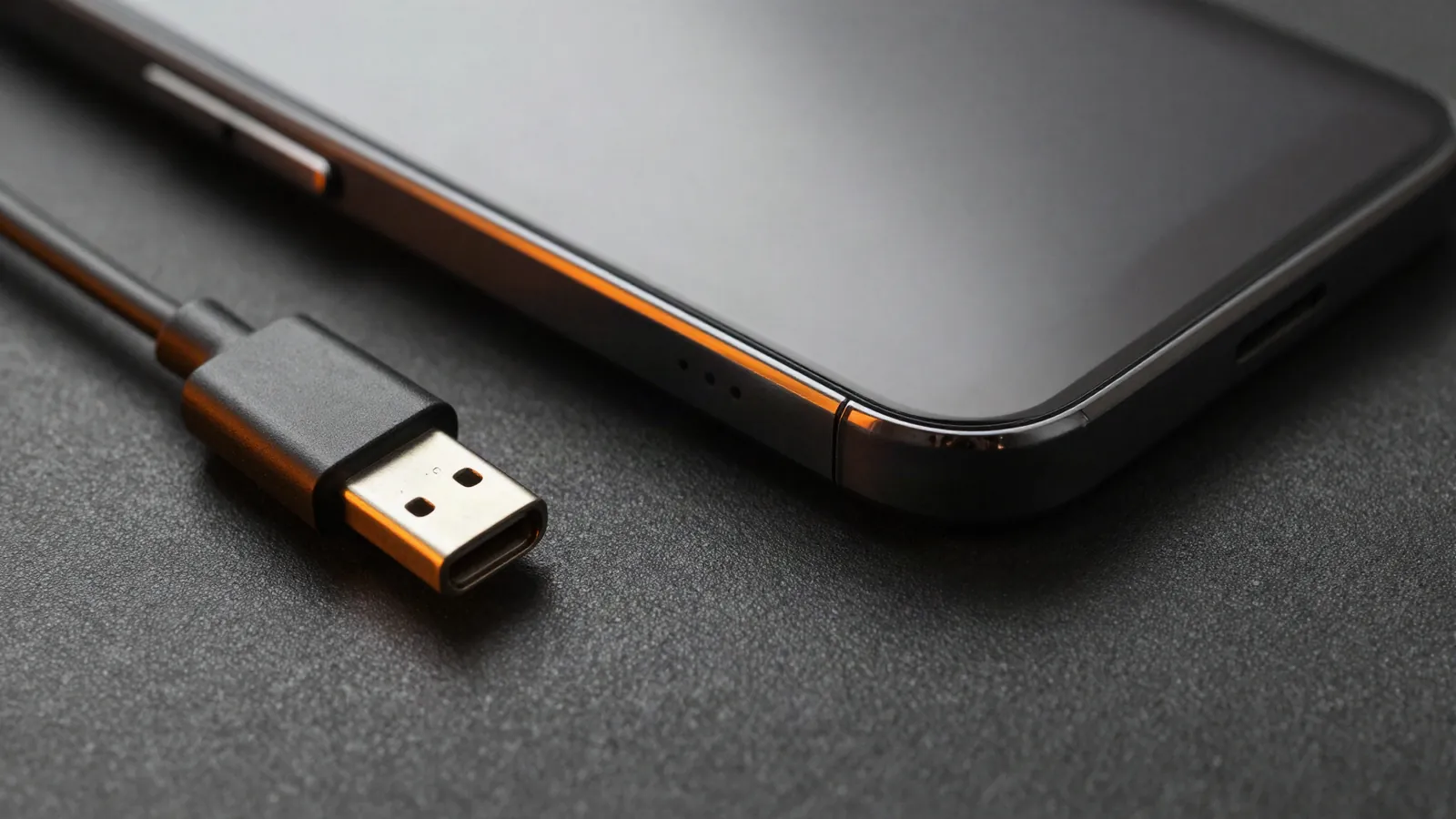
Cables fray at the ends first. A replacement such as the iQuick USB-A to USB-C cable or, for older iPhones, the USB-C to Lightning cable costs far less than a repair. Old 5W cubes charge slowly; a 20W USB-C adapter is much quicker.
How do I check the charging port?
Shine a torch into it. If you see grey fluff pressed into the bottom, that's pocket lint stopping the cable from seating fully.
Don't dig at it with metal; you can bend the contacts. We clean ports at the kiosk, and if the port is damaged we do a charging port repair, usually in about 1–2 hours.
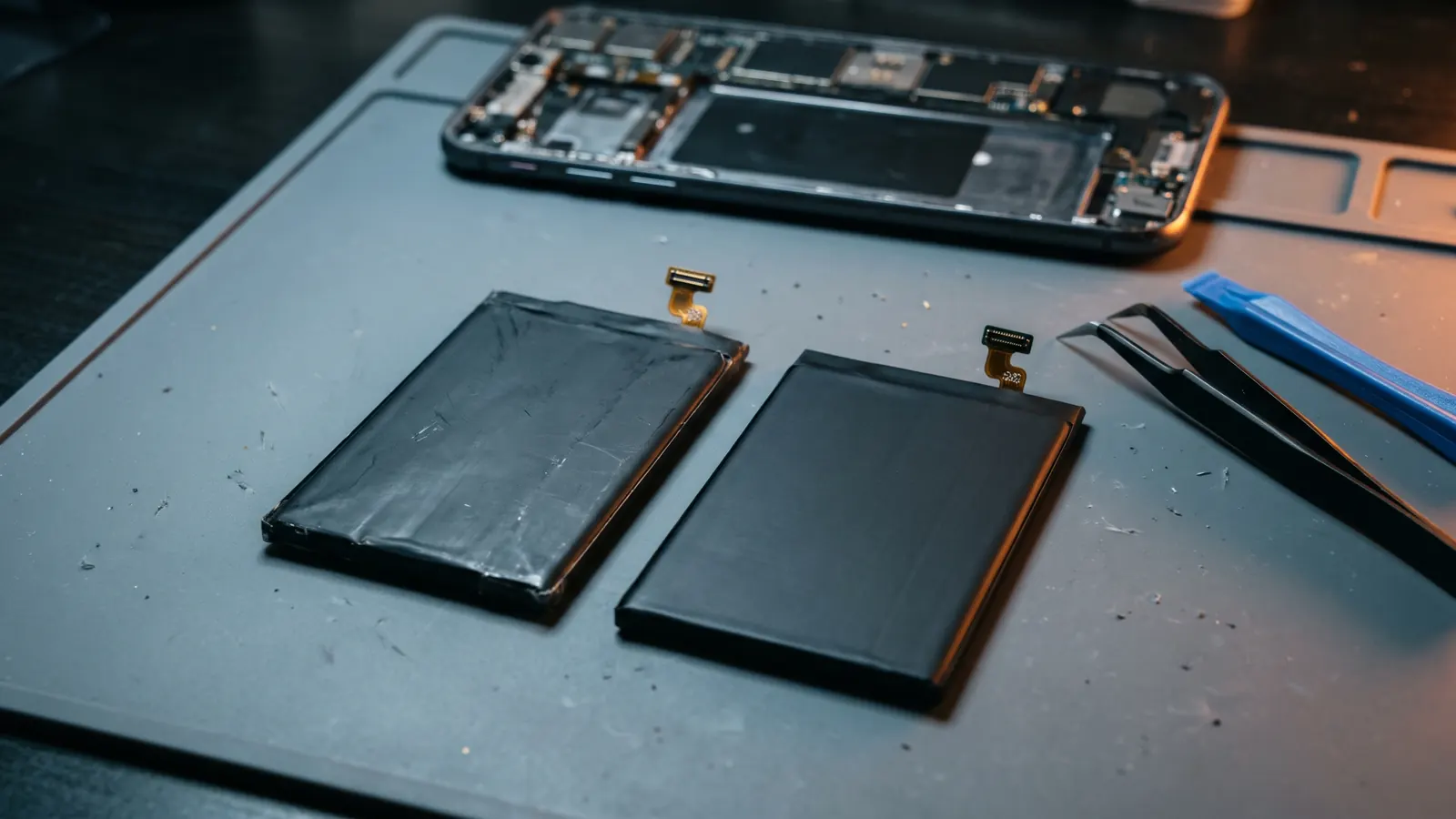
How do I know if it's the battery?
If the phone charges but won't last the day, or shuts down with charge left, it's the battery. On an iPhone, check Settings > Battery > Battery Health; below 80% is the usual point to replace it.
Read is it worth replacing your iPhone battery? or see iPhone battery replacement.
What if my phone shows a liquid detected warning?
Unplug it and let the port dry completely before charging again. Don't use heat. If it got properly wet, read our water damage first aid guide.
Frequently asked questions
Q: Why does my phone only charge at a certain angle?
Usually lint in the port or a worn cable end. Try another cable; if that doesn't help, the port needs cleaning or repair.
Q: Can a cheap cable damage my phone?
Poorly made cables can overheat and charge unreliably. Use a reputable brand rated for your phone.
Q: How long does a charging port repair take?
Usually about 1–2 hours at our Warringal Shopping Centre kiosk, with a 6-month warranty.
Q: Is a swollen battery a charging problem?
It's a safety problem. Stop charging it straight away; see swollen phone battery: what to do.
Products named were available when this guide was written; see the current range.