LCD, OLED or Genuine: Which Replacement iPhone Screen Should You Choose?
In short
Choose an aftermarket OLED for the best value on a phone you’re keeping, a genuine screen if you want the original picture and plan to trade in, and a standard LCD only for a phone you’ll replace soon. At Mobile Armour all three come with a 6-month warranty.
In this guide (6 sections)
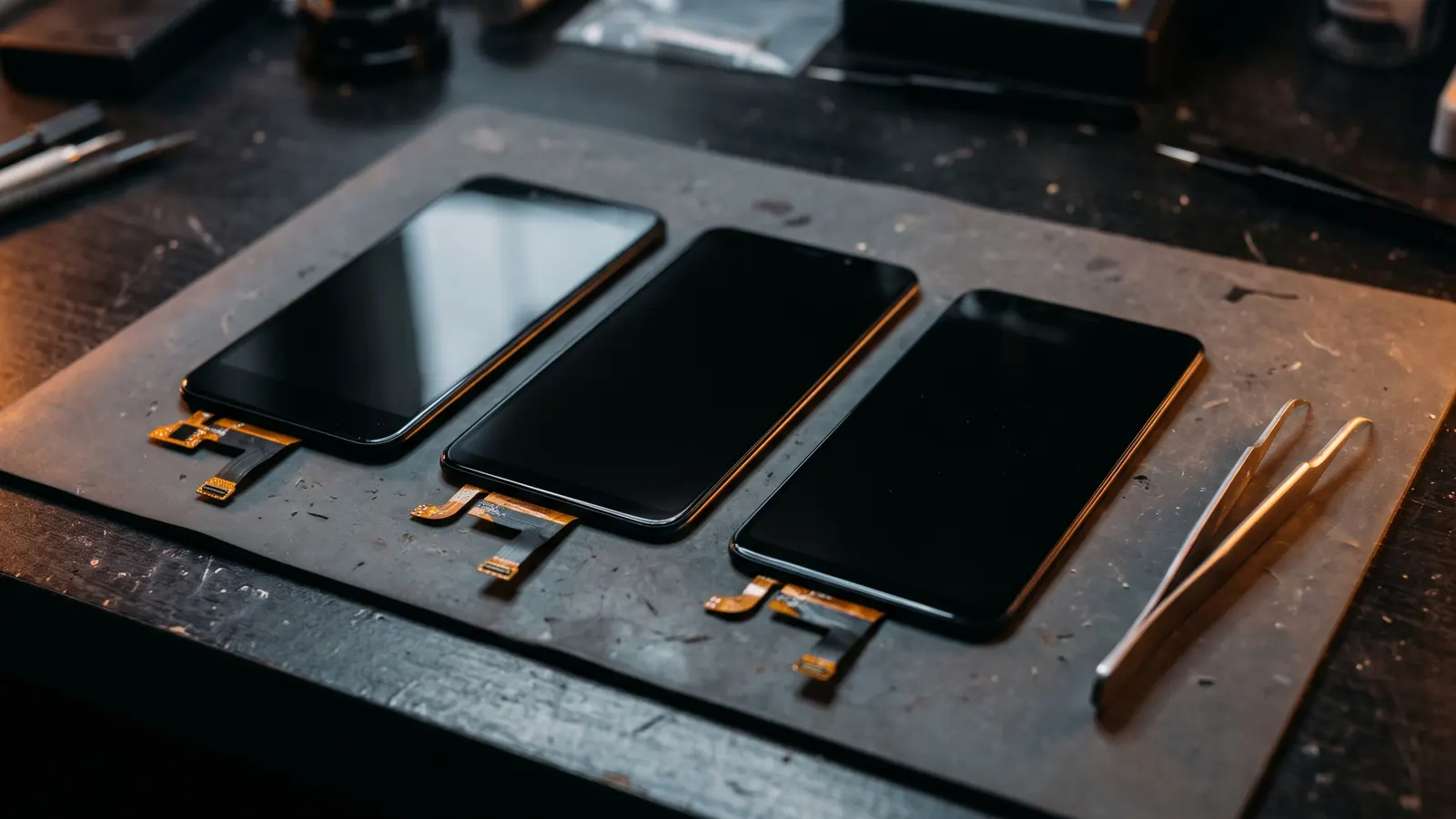
| Standard LCD | Aftermarket OLED | Genuine screen | |
|---|---|---|---|
| Picture | Good, but blacks look greyish and the panel is thicker | Close to the original | Original |
| Price | Lowest | Middle | Highest |
| Best for | A phone you'll replace soon | A phone you're keeping | Keeping the phone as new, or trading in |
| Warranty at Mobile Armour | 6 months | 6 months | 6 months |
What's the difference between LCD and OLED iPhone screens?
OLED screens light each pixel on its own, so blacks are truly black; LCD screens use a backlight behind the whole panel. Every iPhone 12, 13, 14, 15, 16 and 17 model came with an OLED screen.
Putting an LCD into an OLED iPhone works, but the picture looks flatter, blacks look dark grey, and the thicker panel can use a little more battery. That's why we only suggest it for a phone you don't plan to keep for long.
Is an aftermarket OLED screen as good as the original?
Close, and it costs less. A good aftermarket OLED keeps the deep blacks and sharp colour that make OLED worth having.
It's the option most people choose for a phone they want to keep for another year or two.
Why choose a genuine screen?
A genuine screen gives you exactly the picture, brightness and touch the phone shipped with. It costs the most.
It also matters for trade-ins. On iPhone 11 and later, Settings > General > About shows a Parts and Service History section. Apple labels a display "Genuine" only when the repair used genuine Apple parts and processes; otherwise it shows "Unknown", and Apple says that can affect trade-in value.
What problems can a non-genuine screen cause?
Apple lists possible issues with non-genuine displays: touch not responding in places, True Tone not working, colour or brightness differences, and extra battery drain.
A good replacement avoids most of these, and every screen we fit is tested before you leave. If anything isn't right, the 6-month warranty covers it.
Which screen should I choose?
- Keeping the phone a while? Aftermarket OLED.
- Want it exactly as new, or trading in later? Genuine.
- Upgrading in a few months? Standard LCD.
We explain all three options and their prices before we start, for your exact model. See iPhone screen repair or call us for a quote.
Frequently asked questions
Q: Does a non-genuine screen stop my iPhone working?
No. Apple says the Parts and Service History messages don't affect your ability to use the iPhone.
Q: Will Face ID still work after a screen replacement?
Yes, when the screen is replaced carefully. Face ID sensors stay in the phone; we check Face ID before handing it back.
Q: Do all screen options have the same warranty?
Yes. LCD, aftermarket OLED and genuine screens all carry our 6-month warranty.
Q: How long does an iPhone screen replacement take?
Most take about 1–2 hours at our Warringal Shopping Centre kiosk.
Sources: Apple: About genuine iPhone displays, Apple: iPhone Parts and Service History.