Can You Use a USB-C Flash Drive with an iPhone?
In short
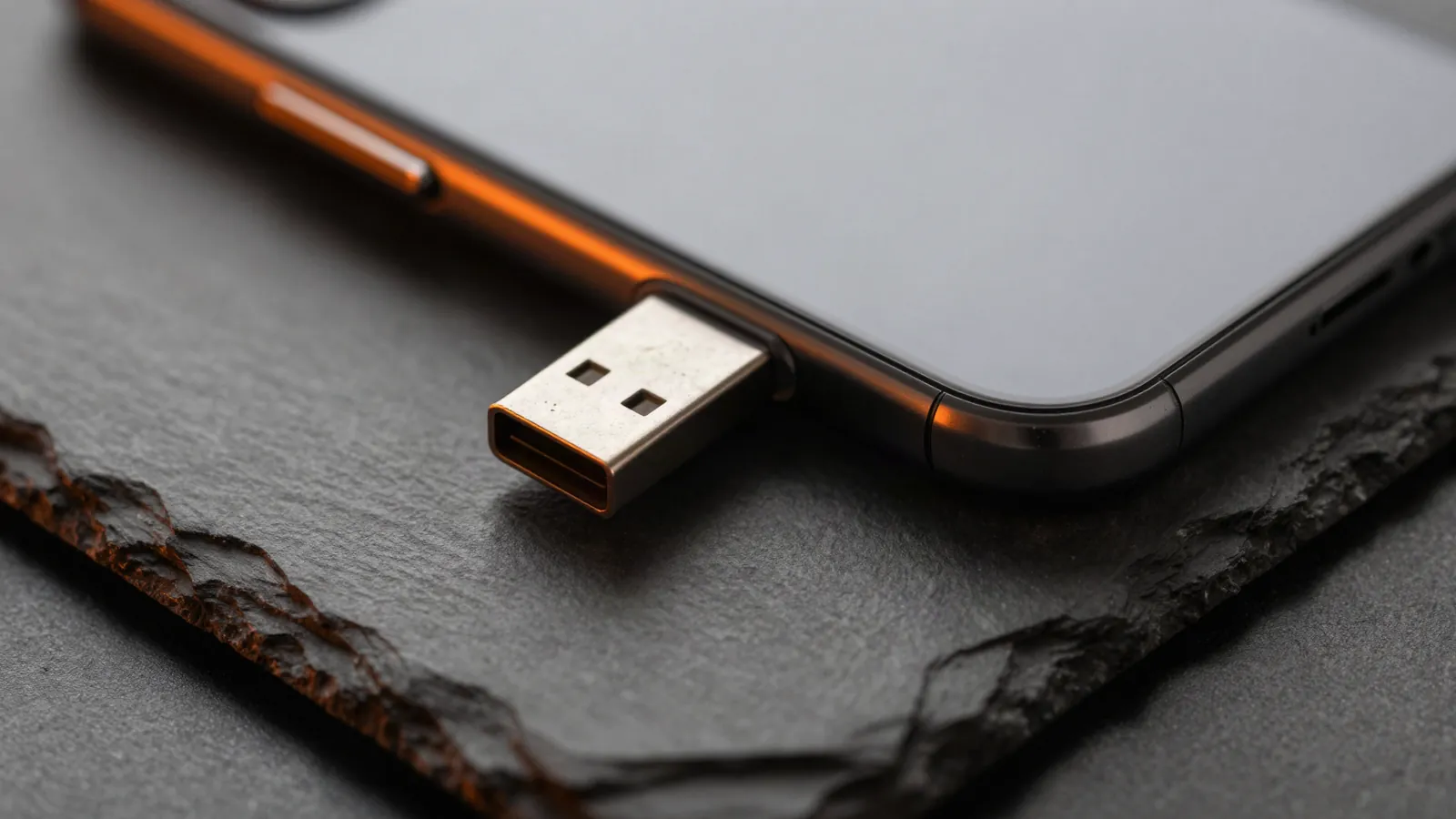
Yes. iPhone 15 and later have a USB-C port and open external drives in the Files app, so a USB-C flash drive plugs straight in. You can copy photos and files off the phone to free up space. Pro models support USB 3 speeds up to 10Gb/s with a USB 3 cable; other models, and the cable in the box, run at USB 2 speed.
In this guide (5 sections)
| Question | Answer |
|---|---|
| Which iPhones work? | iPhone 15 and later (USB-C) |
| Where do files appear? | The Files app, under Locations |
| Speed on Pro models | USB 3, up to 10Gb/s with a USB 3 cable rated 10Gb/s |
| Speed on other models | USB 2 (iPhone 17: up to 480Mb/s) |
| Older Lightning iPhones | Need a Lightning adapter; slower |
How do I use a flash drive with my iPhone?
- Plug the USB-C drive into the iPhone's port.
- Open the Files app and tap Browse; the drive shows under Locations.
- To move photos, select them in Photos, tap Share, then Save to Files and pick the drive.
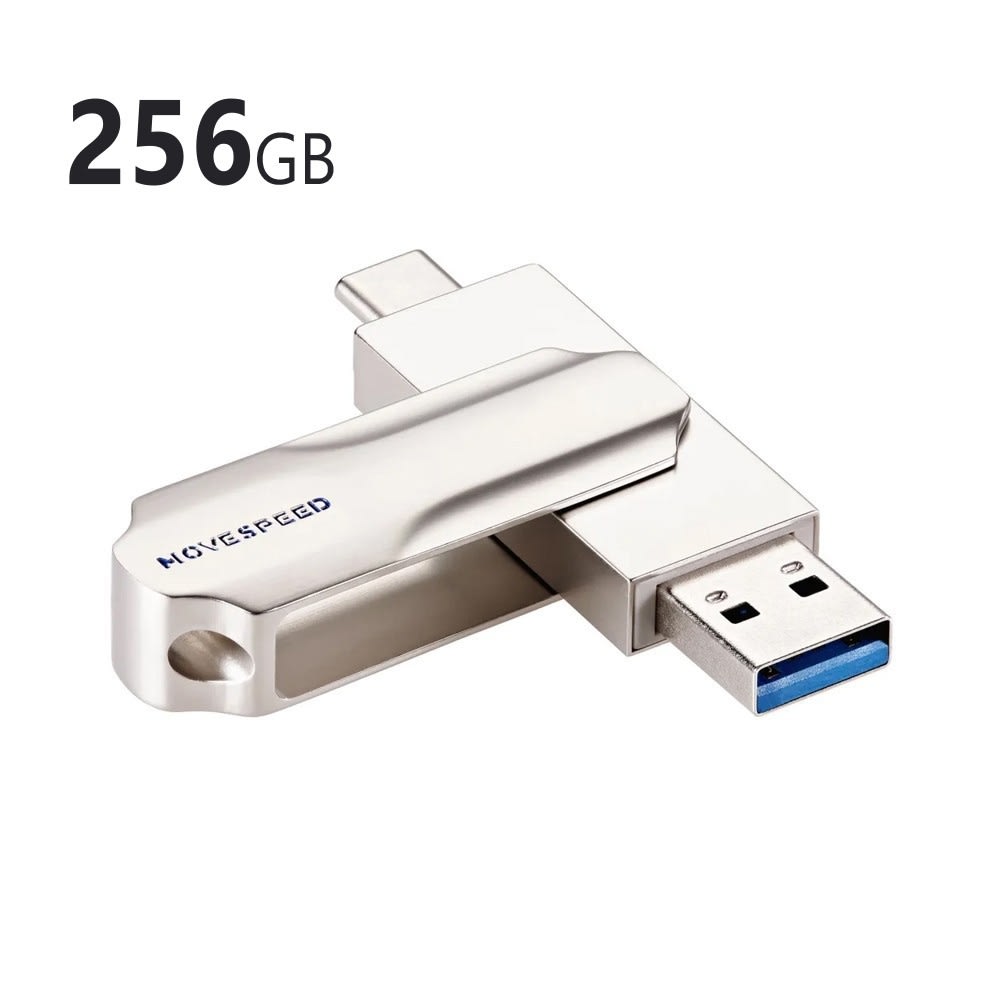
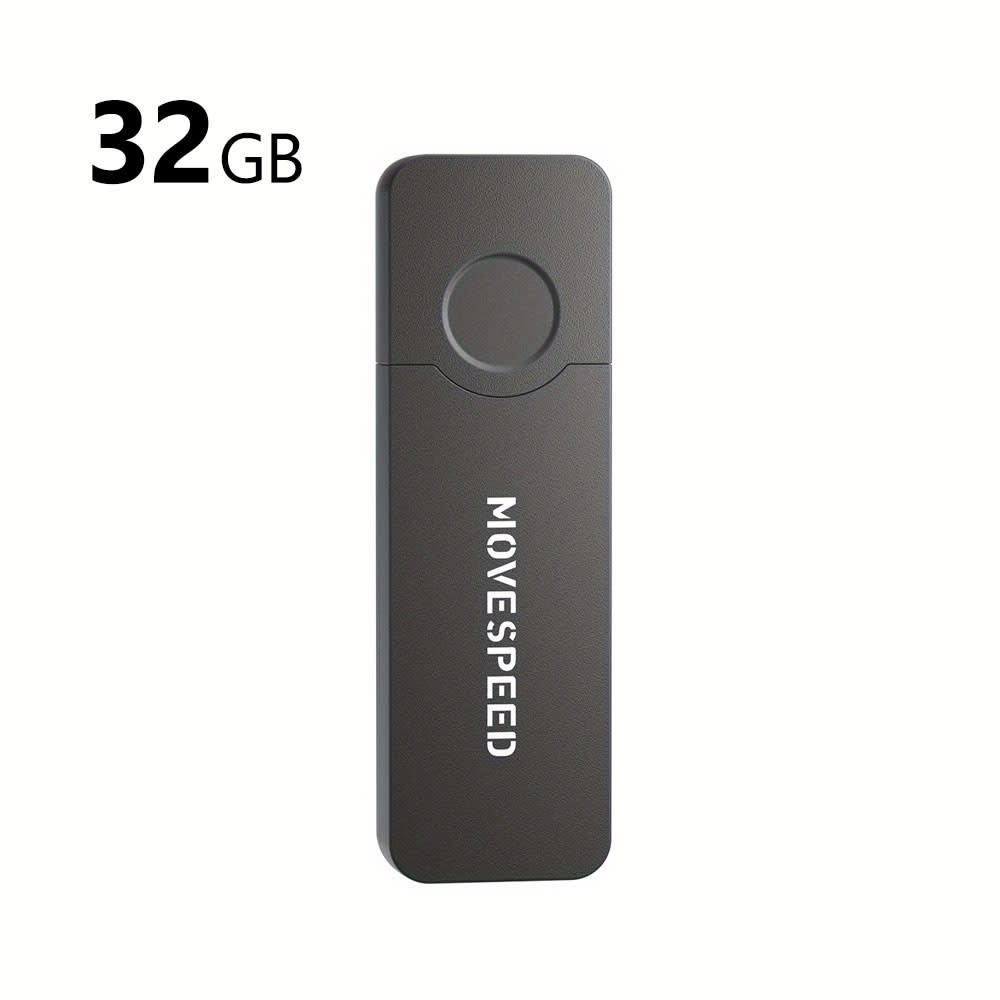
A 2-in-1 drive with USB-C on one end and USB-A on the other also plugs into older computers: the MOVE SPEED YSULDP 2-in-1 comes in 32GB, 128GB and 256GB.
How fast is the iPhone's USB-C port?
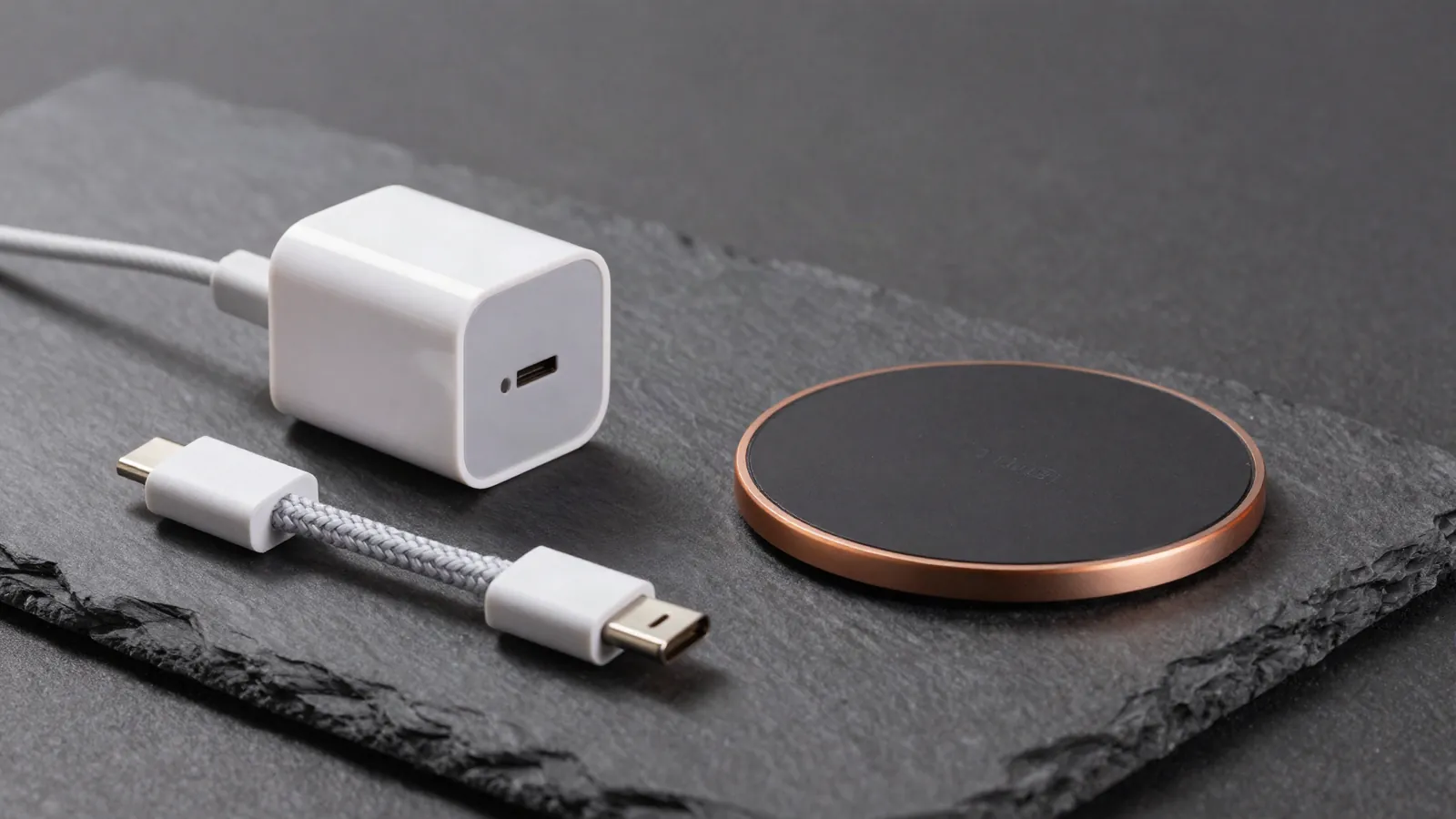
On iPhone 15 Pro, 16 Pro, 17 Pro and 18 Pro models, up to 10Gb/s, but only with a USB 3 cable or a drive that plugs in directly and supports USB 3. The cable in the box is USB 2.
The iPhone 17 (non-Pro) runs at USB 2, up to 480Mb/s, so a large photo library takes longer.
Which drive should I get?
Size it to what you're moving: photos take far less space than 4K video. For big video files, a solid-state drive like the MOVE SPEED 1TB Type-C (up to 550MB/s) is much faster than a basic stick.
For computers only, the plain 16GB and 32GB USB drives are the budget pick.
Should I use a flash drive instead of iCloud?
Use both. iCloud backs up automatically; a drive gives you a second copy you control, and frees space without a subscription.
Frequently asked questions
Q: Can I record video straight to a drive?
Pro models can record ProRes video directly to external storage, according to Apple.
Q: Does my iPhone need to be formatted to read the drive?
Most drives work out of the box. Files can also erase and format a drive if needed; this deletes what's on it.
Q: Can I plug in an SD card?
Yes, with a USB-C SD card reader.
Sources: Apple Support, "Charge and connect with the USB-C connector on your iPhone"; Apple iPhone 17 technical specifications. Products named were available when this guide was written; see the current range.